tor4kichi
TsubameViewer
An image, novel, and movie viewer designed exclusively for Windows

Click here for screenshots of the app
Download

https://www.microsoft.com/store/apps/9NDXXQRG4PL8
Supported Platforms
- Windows 11 or Windows 10 (Version 1809 or later required)
- Compatible with x64, x86, and arm64
Useful Links
These pages are in Japanese, so please use your browser’s translation feature.
App Overview
- Open a file by selecting Tsubame Viewer from File Explorer, or drag and drop the file into Tsubame Viewer to get started
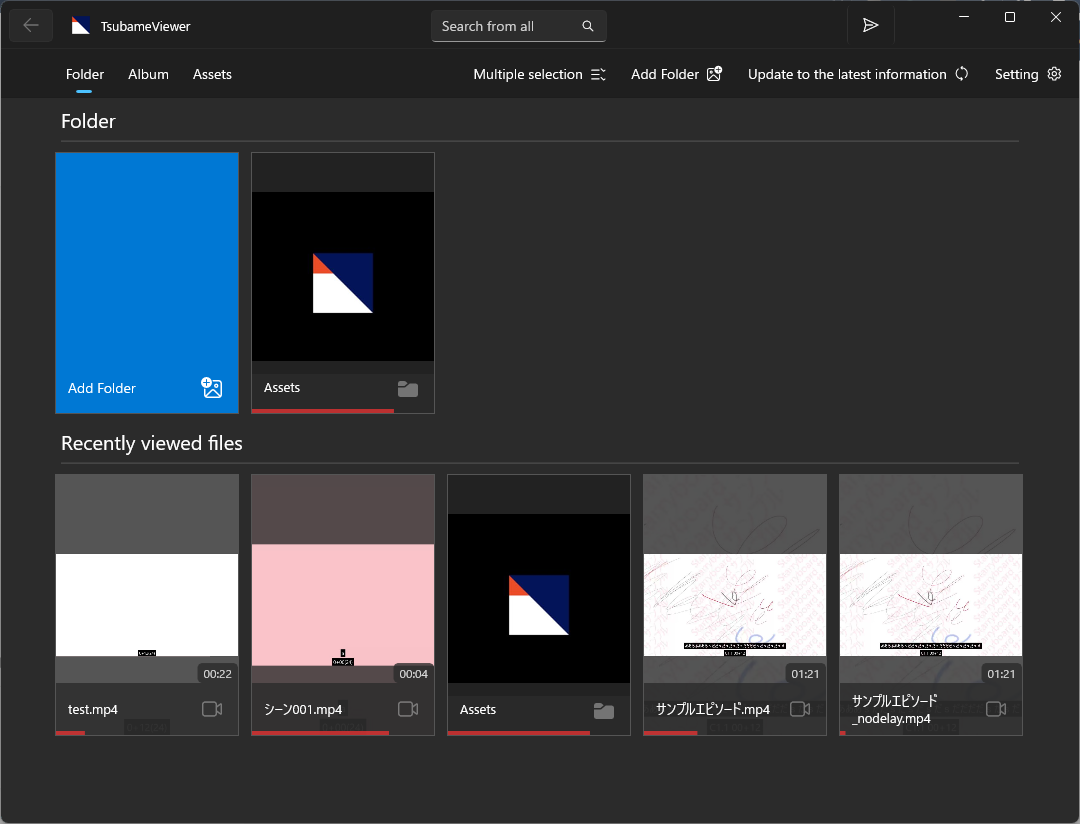
- You can use the app more conveniently by registering folders
- Displays thumbnails not only for images and videos but also for EPUB and ZIP files
- You can perform a filtered search for files with Japanese titles using Romanized input
- Shows which content you’ve already viewed
- Displays your viewing history
- Supports tablet display and touch controls
- Responsive UI that adapts to different screen sizes and screen rotation
- You can set the app to launch in full-screen mode
- Fully offline operation (Data communication during app updates is handled by the OS)
- Access all features with no ads and no in-app purchases
- In-app purchases are available as a way to support the development of this app. Please purchase add-ons to support the developer.
- The source code is openly available (see the link below)
Supported File Formats
- Images
- Archives
- .zip/.cbz/.rar/.cbr/.7z/.cb7/.tar/.pdf
- E-books
- .epub
- Movie
- .mp4/.webm/.hevc/.mkv/.avi/.wmv/.ts/.mov/.flv
*1 Requires a separate extension to add codecs
Features
Features Common to All Viewers
- Bookmark Feature
- Saves your last viewing position. Automatically resumes from there when you reopen the file.
- Displays compressed files directly without extracting them to storage
- Supported by both the image viewer and the novel viewer
- Displays viewing progress at the bottom of the screen
- Detects previous and next content and automatically moves to the next item
- Opens the viewer in a separate window
Image Viewer
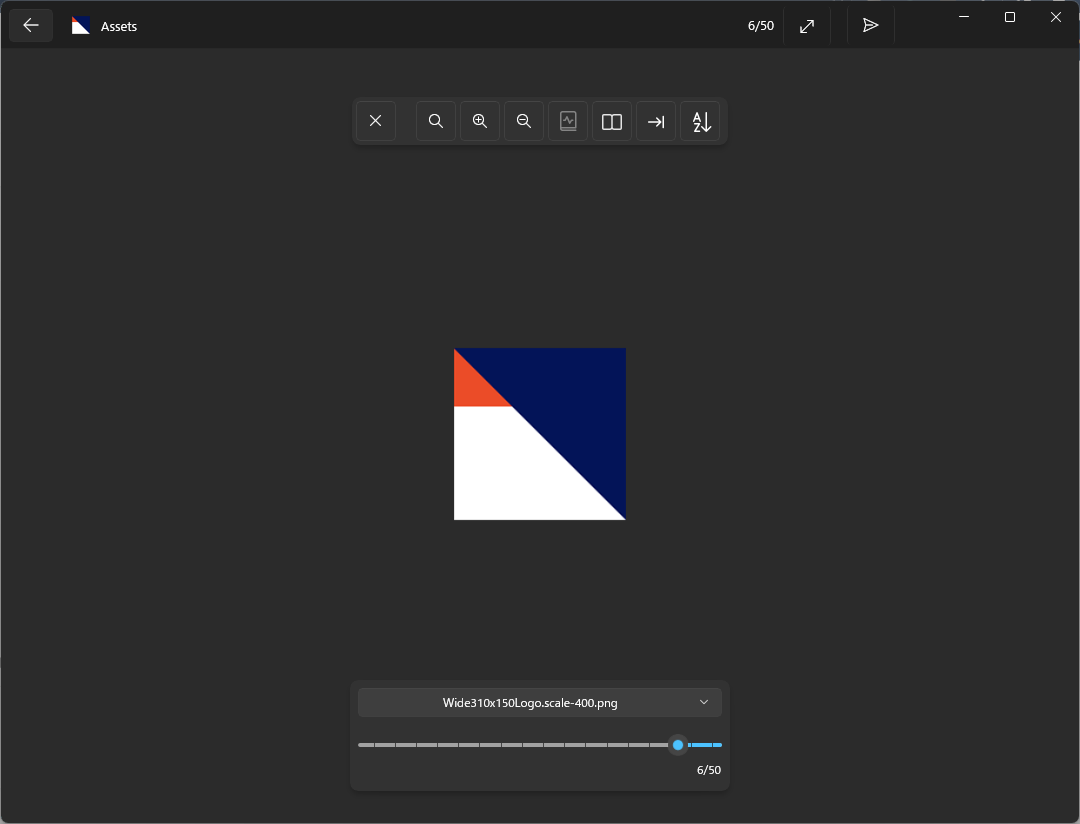
- Supports two-page view
- Pre-loading of previous and next pages
- Smoothly scales images to fit the screen (reducing moiré patterns and blurred text)
- Display Transformations (Zoom Toggle, Position Adjustment)
- Swipe left or right to turn pages
- Jump to specific folders within the archive
- Preview display for the page selection slider (a thumbnail appears when you hover over it)
Novel Viewer (EPUB Reader)
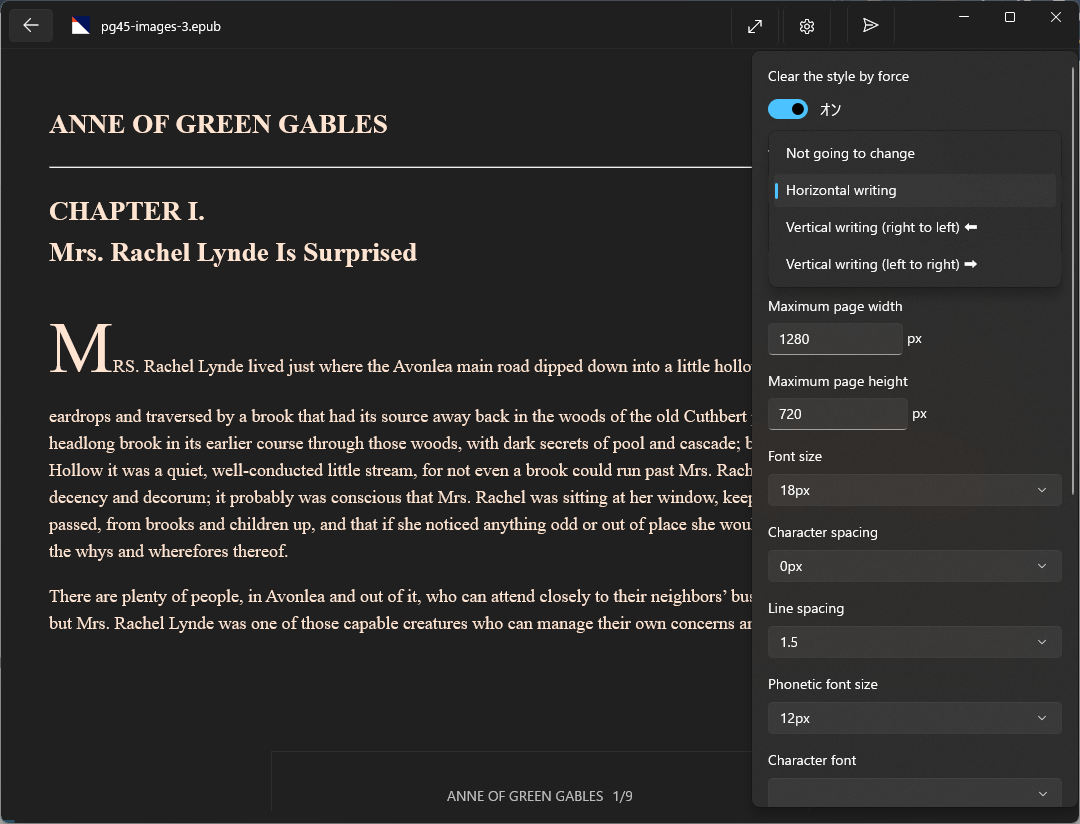
- Freely switch between vertical and horizontal text orientation
- Smooth page turning with file pre-loading
- Text adjusts to fit the screen size (supports “reflowable layout”)
- Customize fonts, text size, background color, and more
- Jump to specific chapters or files
- Swipe left or right to turn pages
- Swipe down to display the table of contents
- Swipe up to close the viewer
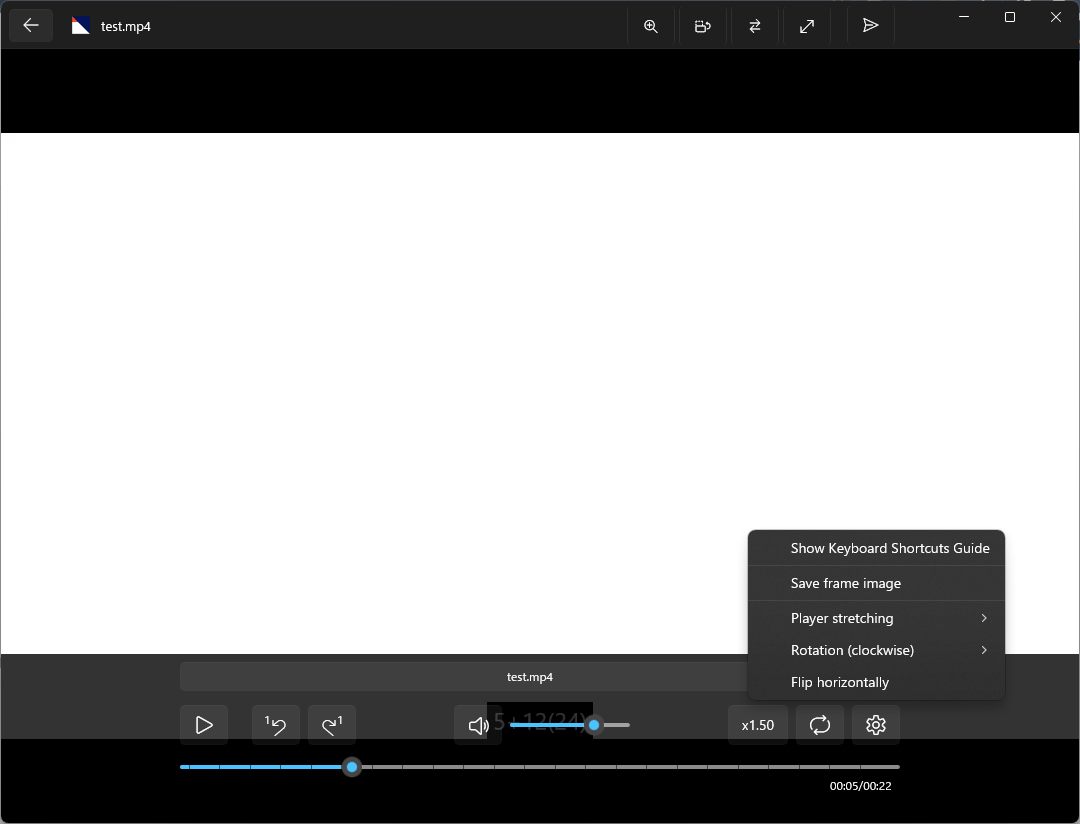
Movie Viewer (Video Player)
- Play, pause, and resume playback from a specific point
- Adjust playback speed
- Loop playback
- Move forward or backward by one frame
- Track switching (supports video, audio, and subtitles, as well as external audio and subtitles)
- Supported external audio formats: .mp3/.m4a/.wma/.wav/.aac/.adts/.flac/.ogg/.oga/.opus
- Supported external subtitle formats: .srt/.vtt/.ass/.ssa/.txt/.lrc
- Preview display on the seek bar (a thumbnail appears when you hover the mouse over the seek bar)
- Display Transformations (Flip Horizontally, Rotate, Zoom Toggle, Position Adjustment)
- Video Effects (Brightness, Contrast, Saturation)
- Background playback
- Swipe left or right to move the playback position
- Swipe up or down to adjust the volume
App Features
- Theme switching (OS default / Light / Dark)
- Double-click a file in File Explorer to open it in Tsubame Viewer (launch via file association)
- Drag and drop files or folders into the app to view them in a list or open them in the viewer
- Supports pinning to the Start screen (applies to folders and content displayed in the folder list)
- Filter searches within the displayed folder
- You can filter Japanese filenames using Romaji input (uses migemo as the underlying technology)
- Search across all folders registered in the app
Links
Screenshot
List of Registered Folders
List of Images
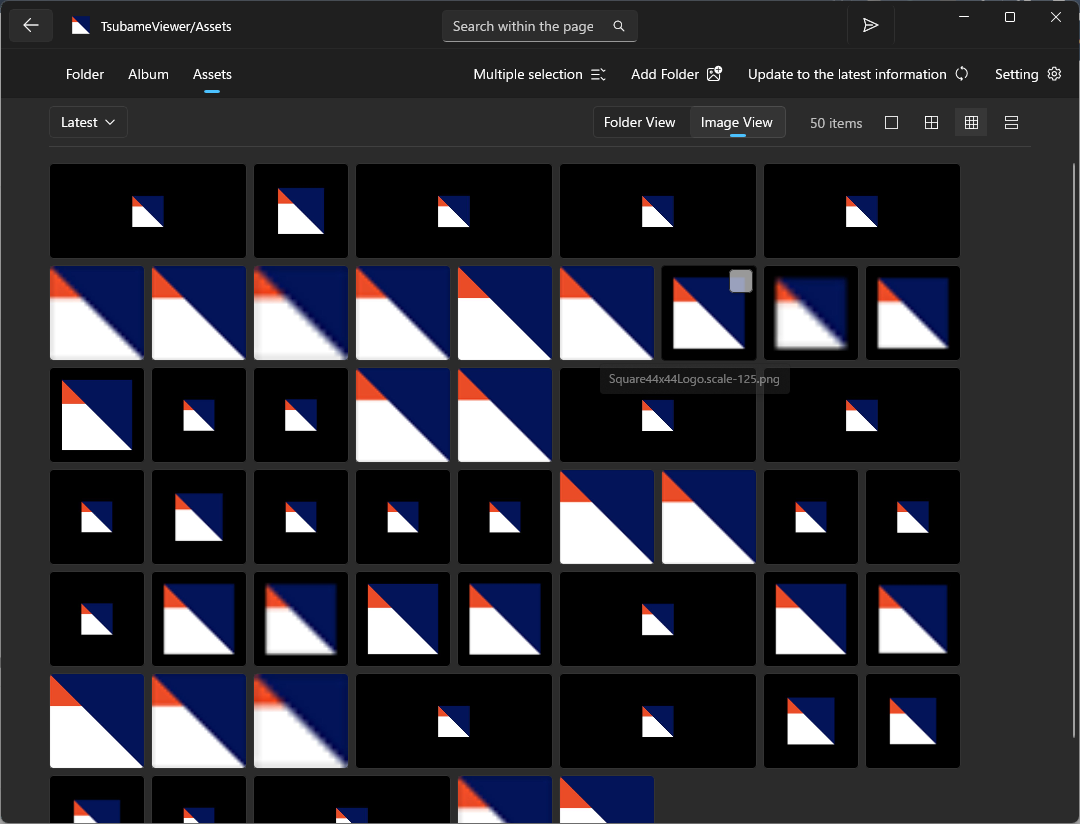
Image Viewer
Novel Viewer
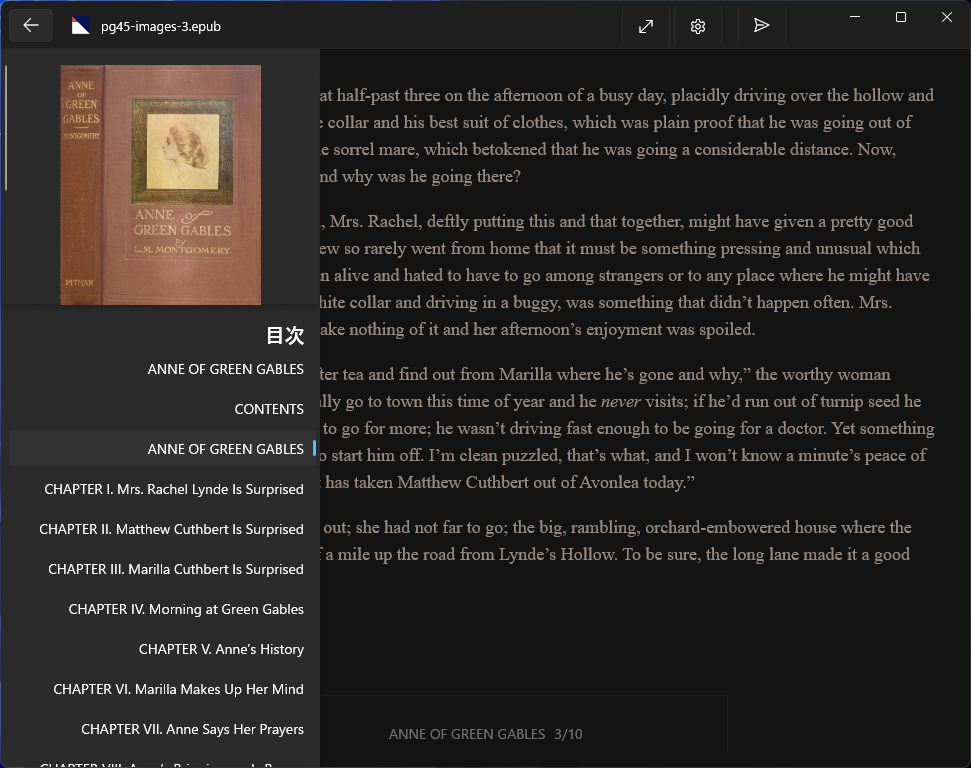
Novel Viewer Settings
Movie Viewer